Sudoku (No Limits)11.0.11
Publisher Description
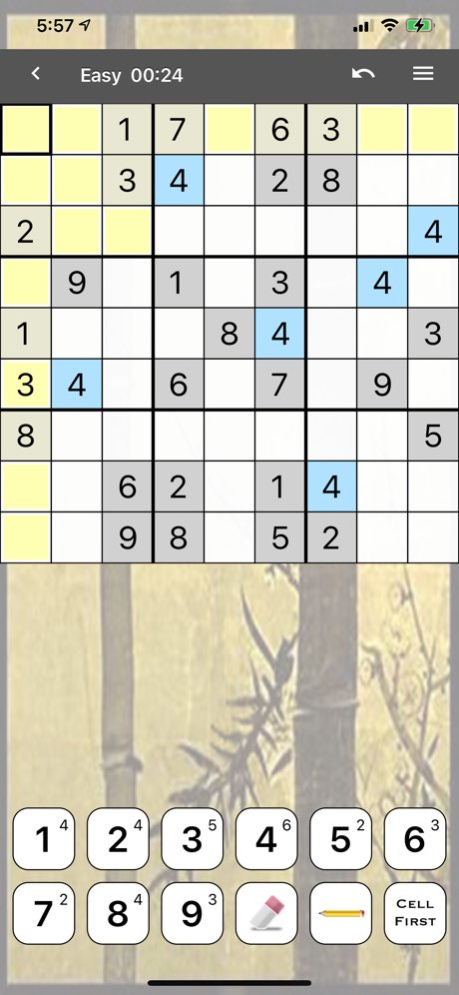
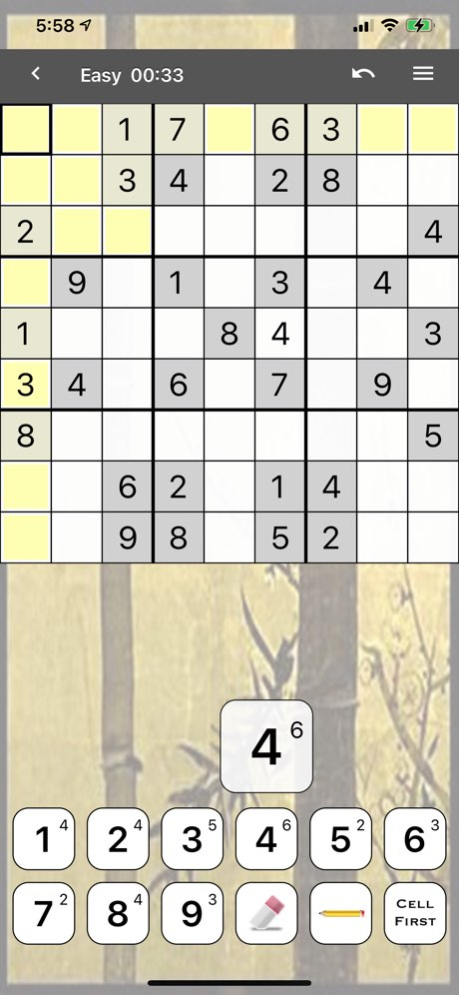
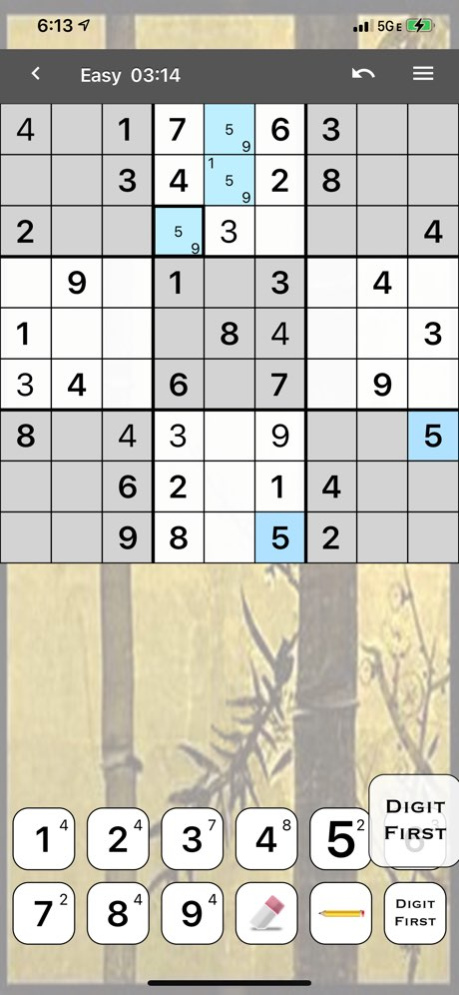
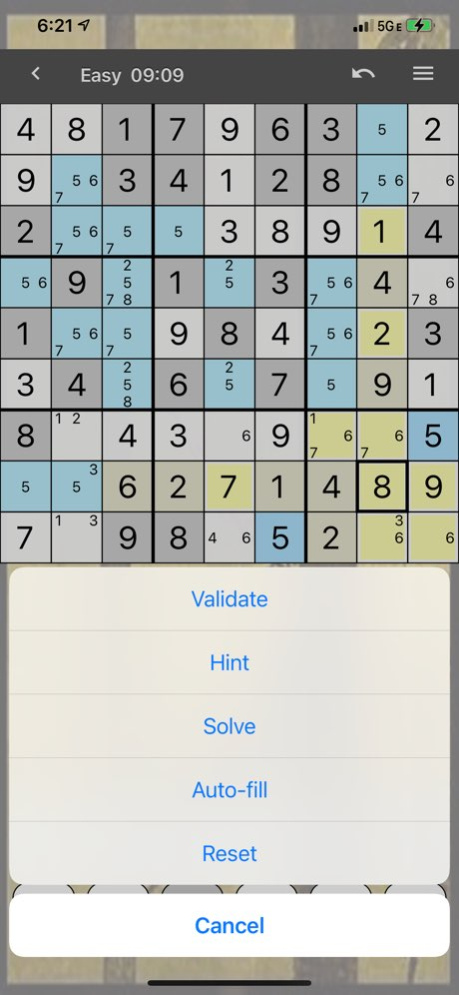
Sudoku with no limits: every level, every feature, every puzzle - yours from the start.
Pick your challenge - Easy, Medium, Hard or Extreme - and solve with an interface that keeps every tool a tap away. Interrupted? Just leave: your puzzle is saved exactly as you left it.
Want to see how you compare? Upload your results, check the top scores, or join the weekly Sudoku competition.
Features:
* 4 difficulty levels: Easy, Medium, Hard, Extreme
* Custom mode: enter any puzzle and solve it in the same familiar interface
* 3 input modes: "Digit first", "Cell first" or pop-up
* Pencil marks (notes) with automatic fill and erase
* Highlighting of the selected digit, plus crosshairs for the current row, column and box
* Digit counts show how many of each digit are placed
* Smart hints that use logic only - never guesses
* Two levels of automatic error checking
* Unlimited undo and redo
* Night and Day modes
* Auto-save
* Plays offline - no internet needed to solve
* Works on iPhone and iPad
* Online results, top scores, history and real-time competitions
Free with ads. Prefer no ads? An optional ad-free subscription is available in the app.
Questions or suggestions? Contact us at sudoku@genina.com.
Like us on Facebook:
https://www.facebook.com/Genina-135806803144543
Follow us on X:
@GeninaDotCom
Or visit us online:
http://www.genina.com/apps/sudoku/
Enjoy!
PS The use of this application is governed by the standard Apple Terms of Use (EULA) located here - https://www.apple.com/legal/internet-services/itunes/dev/stdeula/, and is subject to our Privacy Policy located here - http://www.genina.com/pages/privacy/privacy.jsf
Version History - Update to the latest iOS libraries and standards.
- Fixed the iOS 27 crash.
- Fixed translations.
- Minor fixes and UI improvements. 11.0.11 4d ago - Rolling back the "overwrite notification" change from the last release. It proved to be more intrusive than helpful. Thank you for your feedback. If you found it helpful and would like to have this as an option, please email us and we will consider making it into an optional setting. 11.0.10 01/26/2025 11.0.7:
- Changes to puzzle rating algorithm. Please report puzzle difficulty inconsistencies to debug@genina.com
- Introducing a new menu option to switch between Night and Day modes.
- Bug fixes. 11.0.7 03/10/2024 11.0.6:
- Changes to puzzle rating algorithm. Please report puzzle difficulty inconsistencies to debug@genina.com
- Introducing a new menu option to switch between Night and Day modes. 11.0.5.1 03/02/2024 - The new "Custom" puzzle function enables you to enter your own puzzle, then solve it using the same familiar interface.
- Ad-free version is no longer a separate program. The upgrade is done in-app now.
- Ad library updates and GDPR consent collection (where applicable). 11.0.5 11/26/2020 - the Settings panel changes are now saved automatically; the "Save" (checkmark) button is no longer present
- the gray background that appeared on some devices should be fixed now
- the Undo button is now next to the Menu for easy one-touch access
- the "Unable to connect" issue when uploading results should be fixed now
- the font size has been increased to improve puzzle readability
- additional visual improvements and optimization
- bug fixes 10.2.4 01/12/2017 - support for iPad
- support for all device orientations
- menu options are now accessible in a uniform way across all devices
- uploads are now done over HTTPS
- now there is a way to reset high scores / history (see Settings-> Reset scores)
- replaced banners with interstitial ads
- bug fixes 10.2.3 12/13/2016 - a new setting for "Default digit entry mode" ("Digit fist" vs. "Cell first")
- undo / redo now works for pencil marks as well as numbers.
- a new "Auto pencil" setting for erasing / adding pensil marks automatically as cells are solved / cleared.
- a new setting for highlighting cells that contain the selected digit.
- a new menu option: "Auto-fill" will fill out the pencil marks in all the empty cells (using this option counts as using helper, since it may, inadvertently, reveal parts of the solution).
- now there is a way to reset high scores / history (see Settings-> Reset all scores). 9.0.2 02/10/2013 - To prevent accidental opening of in-game menu screen, modified the data entry button placement so that it doesn't overlap with the "menu curled corner" on the bottom right.
- Bug fixes 9.0.1.2 03/19/2012 - new digit entry mode setting combined with new game board layout
- new option to reset entered digits only 9.0.1.1 02/23/2012 - new HINT confirmation dialog to prevent accidental HINT display
- added an ability to reset a puzzle in progress (with an option to reset pencil marks only)
- puzzles are now saved per level of difficulty
- Heyzap integration
- new languages supported:
-- German (special thanks to Wishu for providing this)
-- Swedish (special thanks to Baltsar for providing this)
-- Hebrew (special thanks to Liad for providing this)
-- Hungarian (special thanks to Csaba for providing this) 8.5.1 07/27/2011 - allow for selection of a board shading pattern
- added tips for not-so-obvious functionality
- Russian translation* (special thanks to Kirill for providing this)
- Dutch translation* (special thanks to Tom for providing this)
* we are actively seeking volunteers to translate into other languages - if you are interested and qualified, please contact us at sudoku@genina.com 8.5.0 05/05/2011 - fix for the splash screen crash bug
- other bug fixes 8.4.2 03/23/2011 - fix for the splash screen crash bug 8.4.1 03/15/2011 - a fix for the white screen bug
- a new setting for input pop-up transparency level 8.4.0 03/03/2011 - New option to display digit counts (shown as superscript).
- New and improved graphics.
- Fixed a number of bugs, most notably freezing high score and game result screens.
- "Back" and "Menu" buttons should now be more responsive. 8.3.0 02/08/2011 In fixing the "Back" and the "Menu" buttons, so they don't get hit accidentally while you are selecting a cell from the top row, I had to redefine their "hit" areas and move them up a notch. As a result, you now need to press slightly above the center of these buttons to activate them.
Bug fixes:
* Fixed the "Back" button bug on the game board.
* Other minor fixes to prevent crashes.
New features:
* New "History" screen
* New "Game Solved" screen
* Added real-time competition support
* New configuration options under "Settings"
* Added easily accessible "Feedback" functionality for support requests, comments, etc.
* Added ability to submit results to the Internet for progress tracking.
* New "Menu" button housing game related functions, such as Undo / Redo, Hint, Validate and Solve.
For additional details, please view the "How-To" section. 8.2.0 12/12/2009 7.3 03/20/2009
About Sudoku (No Limits)
The company that develops Sudoku (No Limits) is Icenta, Inc.. The latest version released by its developer is 11.0.11.
To install Sudoku (No Limits) on your iOS device, just click the green Continue To App button above to start the installation process. The app is listed on our website since 2026-10-14 and was downloaded 48 times. We have already checked if the download link is safe, however for your own protection we recommend that you scan the downloaded app with your antivirus. Your antivirus may detect the Sudoku (No Limits) as malware if the download link is broken.
How to install Sudoku (No Limits) on your iOS device:
- Click on the Continue To App button on our website. This will redirect you to the App Store.
- Once the Sudoku (No Limits) is shown in the iTunes listing of your iOS device, you can start its download and installation. Tap on the GET button to the right of the app to start downloading it.
- If you are not logged-in the iOS appstore app, you'll be prompted for your your Apple ID and/or password.
- After Sudoku (No Limits) is downloaded, you'll see an INSTALL button to the right. Tap on it to start the actual installation of the iOS app.
- Once installation is finished you can tap on the OPEN button to start it. Its icon will also be added to your device home screen.
Program Details
System requirements
Download information
Pricing
Version History
version 11.0.11
posted on 2026-10-14
Version History - Update to the latest iOS libraries and standards.
- Fixed the iOS 27 crash.
- Fixed translations.
- Minor fixes and UI improvements. 11.0.11 4d ago - Rolling back the "overwrite notification" change from the last release. It proved to be more intrusive than helpful. Thank you for your feedback. If you found it helpful and would like to have this as an option, please email us and we will consider making it into an optional setting. 11.0.10 01/26/2025 11.0.7:
- Changes to puzzle rating algorithm. Please report puzzle difficulty inconsistencies to debug@genina.com
- Introducing a new menu option to switch between Night and Day modes.
- Bug fixes. 11.0.7 03/10/2024 11.0.6:
- Changes to puzzle rating algorithm. Please report puzzle difficulty inconsistencies to debug@genina.com
- Introducing a new menu option to switch between Night and Day modes. 11.0.5.1 03/02/2024 - The new "Custom" puzzle function enables you to enter your own puzzle, then solve it using the same familiar interface.
- Ad-free version is no longer a separate program. The upgrade is done in-app now.
- Ad library updates and GDPR consent collection (where applicable). 11.0.5 11/26/2020 - the Settings panel changes are now saved automatically; the "Save" (checkmark) button is no longer present
- the gray background that appeared on some devices should be fixed now
- the Undo button is now next to the Menu for easy one-touch access
- the "Unable to connect" issue when uploading results should be fixed now
- the font size has been increased to improve puzzle readability
- additional visual improvements and optimization
- bug fixes 10.2.4 01/12/2017 - support for iPad
- support for all device orientations
- menu options are now accessible in a uniform way across all devices
- uploads are now done over HTTPS
- now there is a way to reset high scores / history (see Settings-> Reset scores)
- replaced banners with interstitial ads
- bug fixes 10.2.3 12/13/2016 - a new setting for "Default digit entry mode" ("Digit fist" vs. "Cell first")
- undo / redo now works for pencil marks as well as numbers.
- a new "Auto pencil" setting for erasing / adding pensil marks automatically as cells are solved / cleared.
- a new setting for highlighting cells that contain the selected digit.
- a new menu option: "Auto-fill" will fill out the pencil marks in all the empty cells (using this option counts as using helper, since it may, inadvertently, reveal parts of the solution).
- now there is a way to reset high scores / history (see Settings-> Reset all scores). 9.0.2 02/10/2013 - To prevent accidental opening of in-game menu screen, modified the data entry button placement so that it doesn't overlap with the "menu curled corner" on the bottom right.
- Bug fixes 9.0.1.2 03/19/2012 - new digit entry mode setting combined with new game board layout
- new option to reset entered digits only 9.0.1.1 02/23/2012 - new HINT confirmation dialog to prevent accidental HINT display
- added an ability to reset a puzzle in progress (with an option to reset pencil marks only)
- puzzles are now saved per level of difficulty
- Heyzap integration
- new languages supported:
-- German (special thanks to Wishu for providing this)
-- Swedish (special thanks to Baltsar for providing this)
-- Hebrew (special thanks to Liad for providing this)
-- Hungarian (special thanks to Csaba for providing this) 8.5.1 07/27/2011 - allow for selection of a board shading pattern
- added tips for not-so-obvious functionality
- Russian translation* (special thanks to Kirill for providing this)
- Dutch translation* (special thanks to Tom for providing this)
* we are actively seeking volunteers to translate into other languages - if you are interested and qualified, please contact us at sudoku@genina.com 8.5.0 05/05/2011 - fix for the splash screen crash bug
- other bug fixes 8.4.2 03/23/2011 - fix for the splash screen crash bug 8.4.1 03/15/2011 - a fix for the white screen bug
- a new setting for input pop-up transparency level 8.4.0 03/03/2011 - New option to display digit counts (shown as superscript).
- New and improved graphics.
- Fixed a number of bugs, most notably freezing high score and game result screens.
- "Back" and "Menu" buttons should now be more responsive. 8.3.0 02/08/2011 In fixing the "Back" and the "Menu" buttons, so they don't get hit accidentally while you are selecting a cell from the top row, I had to redefine their "hit" areas and move them up a notch. As a result, you now need to press slightly above the center of these buttons to activate them.
Bug fixes:
* Fixed the "Back" button bug on the game board.
* Other minor fixes to prevent crashes.
New features:
* New "History" screen
* New "Game Solved" screen
* Added real-time competition support
* New configuration options under "Settings"
* Added easily accessible "Feedback" functionality for support requests, comments, etc.
* Added ability to submit results to the Internet for progress tracking.
* New "Menu" button housing game related functions, such as Undo / Redo, Hint, Validate and Solve.
For additional details, please view the "How-To" section. 8.2.0 12/12/2009 7.3 03/20/2009
version 11.0.10
posted on 2026-10-06
Version History - Rolling back the "overwrite notification" change from the last release. It proved to be more intrusive than helpful. Thank you for your feedback. If you found it helpful and would like to have this as an option, please email us and we will consider making it into an optional setting. 11.0.10 01/26/2025 11.0.7:
- Changes to puzzle rating algorithm. Please report puzzle difficulty inconsistencies to debug@genina.com
- Introducing a new menu option to switch between Night and Day modes.
- Bug fixes. 11.0.7 03/10/2024 11.0.6:
- Changes to puzzle rating algorithm. Please report puzzle difficulty inconsistencies to debug@genina.com
- Introducing a new menu option to switch between Night and Day modes. 11.0.5.1 03/02/2024 - The new "Custom" puzzle function enables you to enter your own puzzle, then solve it using the same familiar interface.
- Ad-free version is no longer a separate program. The upgrade is done in-app now.
- Ad library updates and GDPR consent collection (where applicable). 11.0.5 11/26/2020 - the Settings panel changes are now saved automatically; the "Save" (checkmark) button is no longer present
- the gray background that appeared on some devices should be fixed now
- the Undo button is now next to the Menu for easy one-touch access
- the "Unable to connect" issue when uploading results should be fixed now
- the font size has been increased to improve puzzle readability
- additional visual improvements and optimization
- bug fixes 10.2.4 01/12/2017 - support for iPad
- support for all device orientations
- menu options are now accessible in a uniform way across all devices
- uploads are now done over HTTPS
- now there is a way to reset high scores / history (see Settings-> Reset scores)
- replaced banners with interstitial ads
- bug fixes 10.2.3 12/13/2016 - a new setting for "Default digit entry mode" ("Digit fist" vs. "Cell first")
- undo / redo now works for pencil marks as well as numbers.
- a new "Auto pencil" setting for erasing / adding pensil marks automatically as cells are solved / cleared.
- a new setting for highlighting cells that contain the selected digit.
- a new menu option: "Auto-fill" will fill out the pencil marks in all the empty cells (using this option counts as using helper, since it may, inadvertently, reveal parts of the solution).
- now there is a way to reset high scores / history (see Settings-> Reset all scores). 9.0.2 02/10/2013 - To prevent accidental opening of in-game menu screen, modified the data entry button placement so that it doesn't overlap with the "menu curled corner" on the bottom right.
- Bug fixes 9.0.1.2 03/19/2012 - new digit entry mode setting combined with new game board layout
- new option to reset entered digits only 9.0.1.1 02/23/2012 - new HINT confirmation dialog to prevent accidental HINT display
- added an ability to reset a puzzle in progress (with an option to reset pencil marks only)
- puzzles are now saved per level of difficulty
- Heyzap integration
- new languages supported:
-- German (special thanks to Wishu for providing this)
-- Swedish (special thanks to Baltsar for providing this)
-- Hebrew (special thanks to Liad for providing this)
-- Hungarian (special thanks to Csaba for providing this) 8.5.1 07/27/2011 - allow for selection of a board shading pattern
- added tips for not-so-obvious functionality
- Russian translation* (special thanks to Kirill for providing this)
- Dutch translation* (special thanks to Tom for providing this)
* we are actively seeking volunteers to translate into other languages - if you are interested and qualified, please contact us at sudoku@genina.com 8.5.0 05/05/2011 - fix for the splash screen crash bug
- other bug fixes 8.4.2 03/23/2011 - fix for the splash screen crash bug 8.4.1 03/15/2011 - a fix for the white screen bug
- a new setting for input pop-up transparency level 8.4.0 03/03/2011 - New option to display digit counts (shown as superscript).
- New and improved graphics.
- Fixed a number of bugs, most notably freezing high score and game result screens.
- "Back" and "Menu" buttons should now be more responsive. 8.3.0 02/08/2011 In fixing the "Back" and the "Menu" buttons, so they don't get hit accidentally while you are selecting a cell from the top row, I had to redefine their "hit" areas and move them up a notch. As a result, you now need to press slightly above the center of these buttons to activate them.
Bug fixes:
* Fixed the "Back" button bug on the game board.
* Other minor fixes to prevent crashes.
New features:
* New "History" screen
* New "Game Solved" screen
* Added real-time competition support
* New configuration options under "Settings"
* Added easily accessible "Feedback" functionality for support requests, comments, etc.
* Added ability to submit results to the Internet for progress tracking.
* New "Menu" button housing game related functions, such as Undo / Redo, Hint, Validate and Solve.
For additional details, please view the "How-To" section. 8.2.0 12/12/2009 7.3 03/20/2009
version 11.0.10
posted on 2025-01-26
Jan 26, 2025
Version 11.0.10
- Rolling back the "overwrite notification" change from the last release. It proved to be more intrusive than helpful. Thank you for your feedback. If you found it helpful and would like to have this as an option, please email us and we will consider making it into an optional setting.
version 11.0.10
posted on 2025-01-26
- Rolling back the "overwrite notification" change from the last release. It proved to be more intrusive than helpful. Thank you for your feedback. If you found it helpful and would like to have this as an option, please email us and we will consider making it into an optional setting.
version 11.0.5
posted on 2020-11-26
Nov 26, 2020 Version 11.0.5
- The new "Custom" puzzle function enables you to enter your own puzzle, then solve it using the same familiar interface.
- Ad-free version is no longer a separate program. The upgrade is done in-app now.
- Ad library updates and GDPR consent collection (where applicable).
version 10.2.4
posted on 2017-01-12
Jan 12, 2017 Version 10.2.4
- the Settings panel changes are now saved automatically; the "Save" (checkmark) button is no longer present
- the gray background that appeared on some devices should be fixed now
- the Undo button is now next to the Menu for easy one-touch access
- the "Unable to connect" issue when uploading results should be fixed now
- the font size has been increased to improve puzzle readability
- additional visual improvements and optimization
- bug fixes
version 10.2.4
posted on 2017-01-12
12 Jan 2017 Version 10.2.4
- the Settings panel changes are now saved automatically; the "Save" (checkmark) button is no longer present
- the gray background that appeared on some devices should be fixed now
- the Undo button is now next to the Menu for easy one-touch access
- the "Unable to connect" issue when uploading results should be fixed now
- the font size has been increased to improve puzzle readability
- additional visual improvements and optimization
- bug fixes
version 9.0.2
posted on 2009-03-27
version 10.2.4
posted on 1970-01-01
2017年1月12日 Version 10.2.4
- the Settings panel changes are now saved automatically; the "Save" (checkmark) button is no longer present
- the gray background that appeared on some devices should be fixed now
- the Undo button is now next to the Menu for easy one-touch access
- the "Unable to connect" issue when uploading results should be fixed now
- the font size has been increased to improve puzzle readability
- additional visual improvements and optimization
- bug fixes
version 11.0.5
posted on 1970-01-01
2020年11月26日 Version 11.0.5
- The new "Custom" puzzle function enables you to enter your own puzzle, then solve it using the same familiar interface.
- Ad-free version is no longer a separate program. The upgrade is done in-app now.
- Ad library updates and GDPR consent collection (where applicable).
